
AXWWriter
A word processor for your applications
A word processing component designed to be compatible with MS Word. It doesn’t need any other software or libraries to be installed.
Easy to use
AXWWriter works together with DOCXReadWrite, which is also included. If you are familiar with DOCXReadWrite, you already have the knowledge you need, as all control of the Word data is through the DOCXReadWrite object of AXWWriter.
AXWWriter also comes with components for printing and print preview, and a set of Actions for easy assigning to menus.
On the Download page you can download a demo application with AXWWriter and test it with your own Word files.
- Works with all Delphi versionsFrom Delphi 7 up to the current version.
- VCL and FireMonkey
- No runtime fees
- Full source code included
- AXWReports includedCreate reports from Word templates. AXWReports
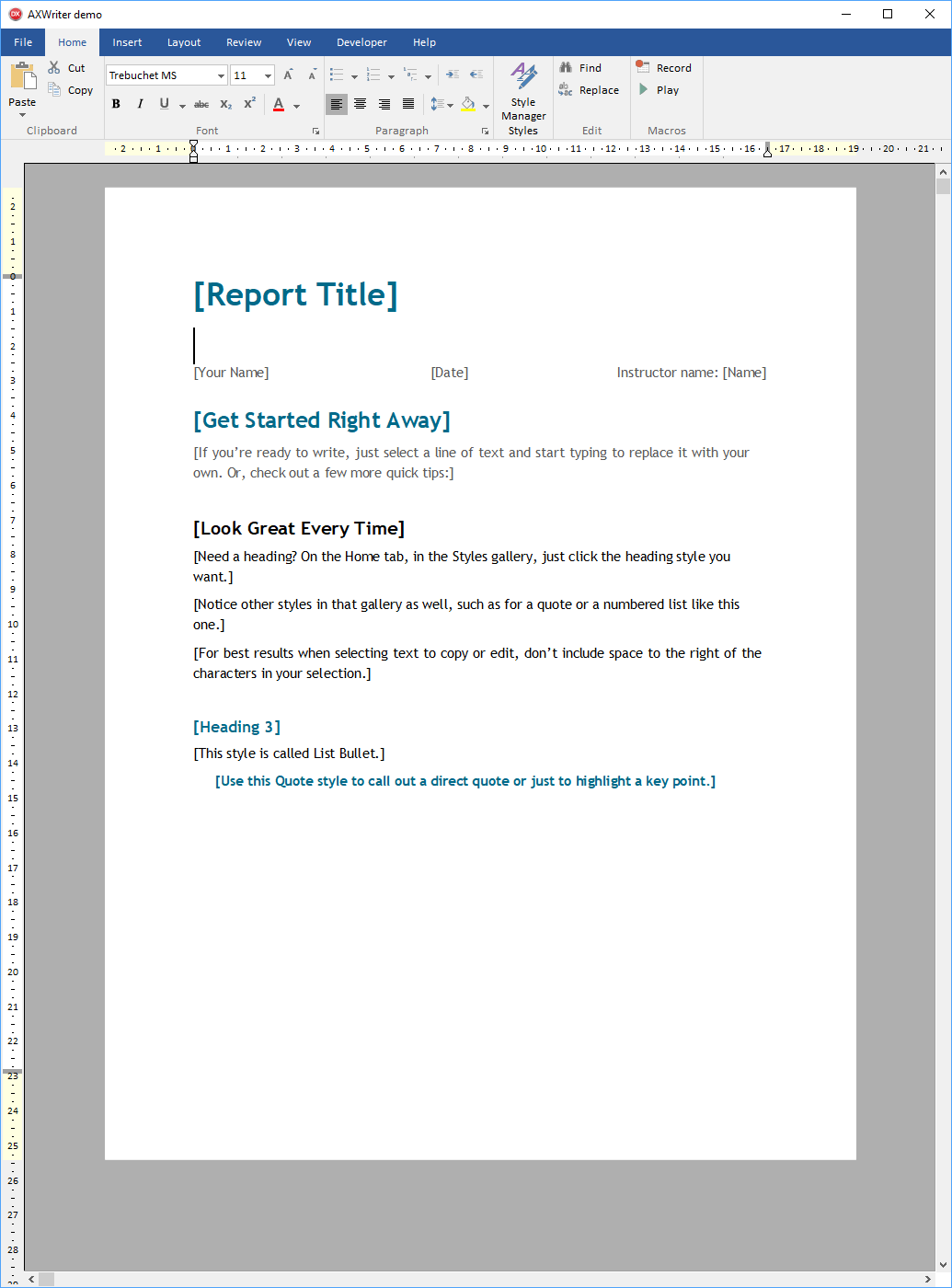
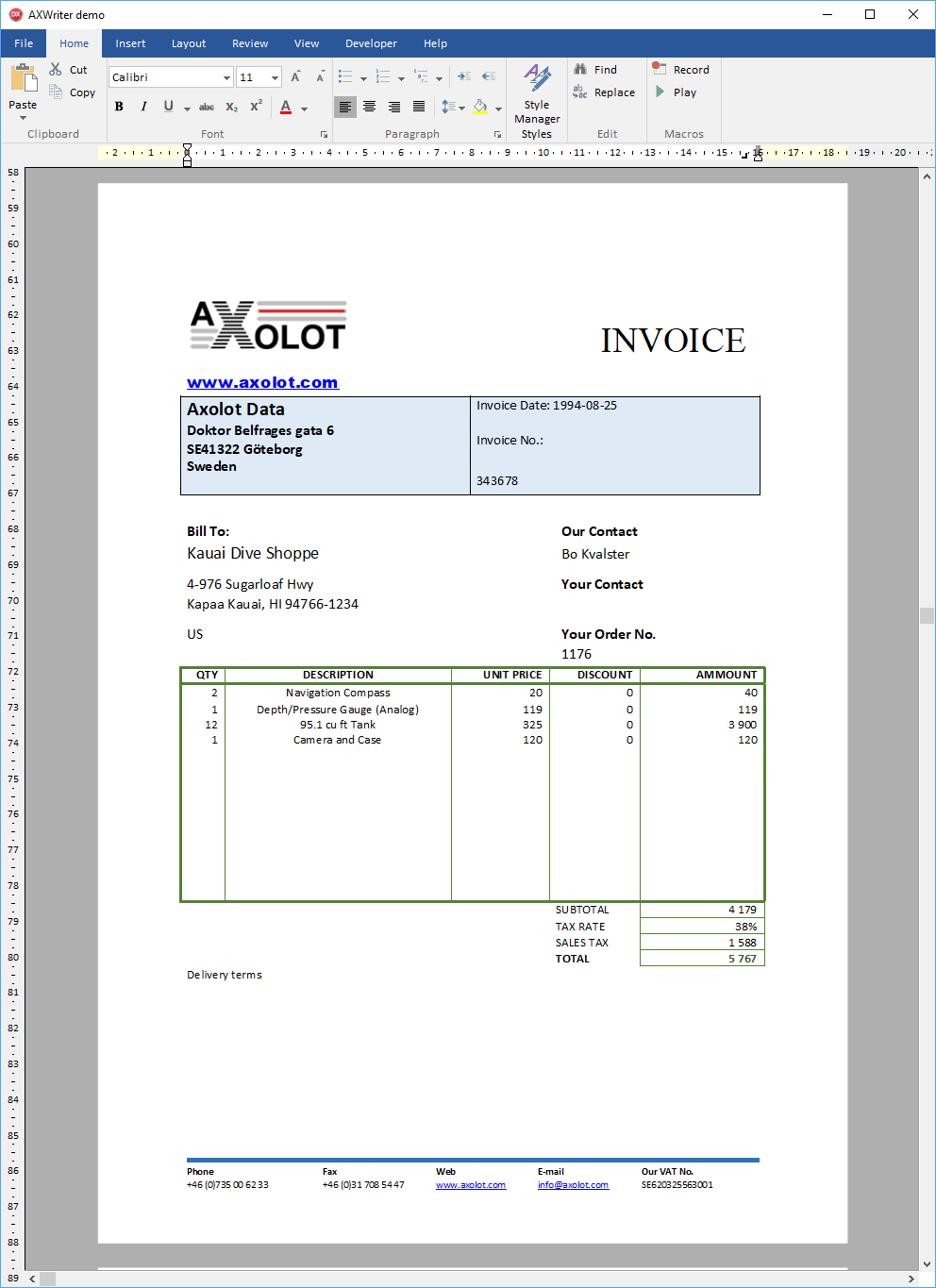
See it in action
Click a screenshot to enlarge it.
Word processing, the way users expect

Preview documents
The editor is always in preview (WYSIWYG) mode.

Print documents
Print documents directly from your application.
Text formatting
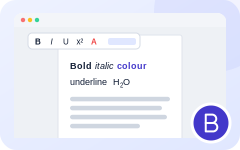
Bold, italic, underline, sub/superscript, colours and more.

Paragraph formatting
Alignment, indentation, spacing and more.

Numbering and bullets
Lists, including user-defined numbering styles.

Tables
Tables can be nested to any depth and cells merged in any way. All table borders and fills are supported.

Hyperlinks and bookmarks
Links to external targets like web pages and files, or to bookmarks within the document.
Style sheets
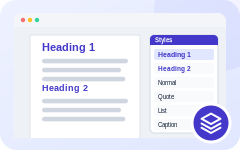
Character, paragraph, table and numbering styles, in the same way as MS Word.

Pictures
Insert and edit pictures.

Text boxes
Place text boxes in the same way as pictures, with fill and line styles.
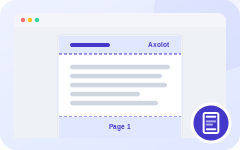
Headers and footers
Different headers and footers on first, odd and even pages.
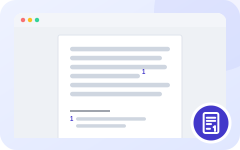
Footnotes and endnotes
Footnotes and endnotes, as in MS Word.
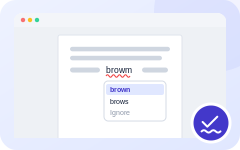
Spell checking
Uses Hunspell, the open source spell checker that is also used by Firefox, macOS and many other well-known applications.
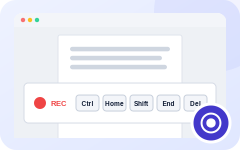
Macro recording and playback
Record and play keyboard macros, like in Delphi.
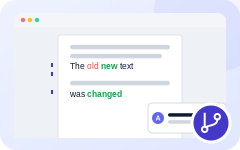
Revisions
Edit revisions in the document. List changes and authors, accept or reject changes and filter by author.
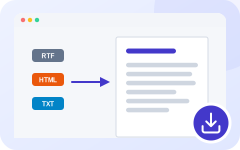
Import
RTF, HTML and text files.
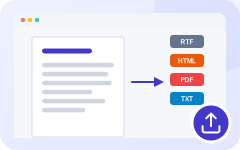
Export
RTF, HTML, PDF and text files.